
South Indian Bank Debit Card PIN Generation
Last Updated : April 23, 2025, 5:20 p.m.
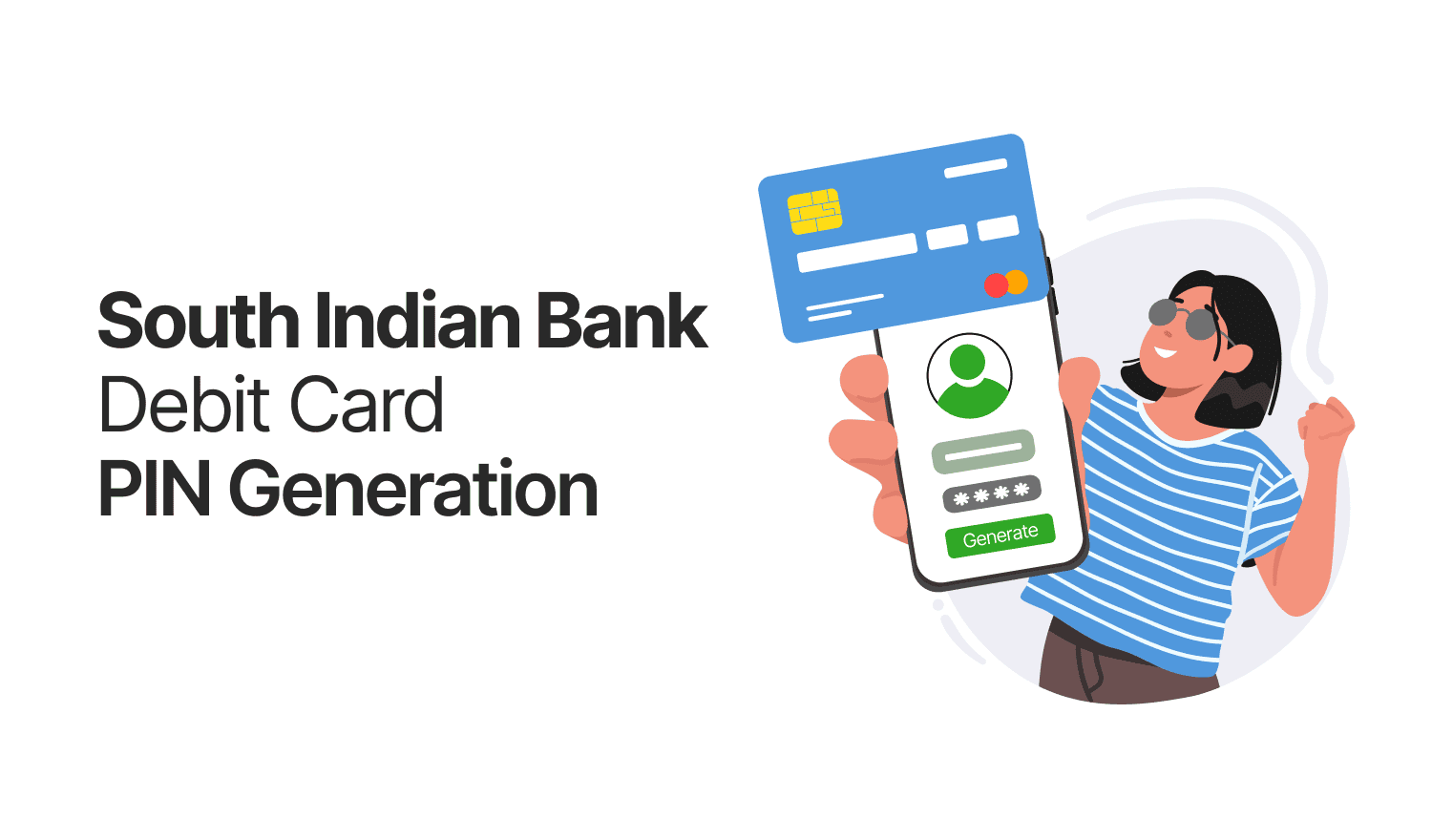
South Indian Bank Debit Card PIN Generation is a quick and secure process that allows customers to set or reset their ATM PIN using the Green PIN facility. This can be done easily at any SIB ATM without the need to visit a branch.
Ways to Generate South Indian Bank Debit Card PIN
- By visiting the nearest ATM
- By Mobile Banking (SIB Mirror+)
- On Internet Banking (SIBerNet)
Green PIN is an eco-friendly initiative by South Indian Bank that provides customers a simple and convenient way to generate or reset their ATM PIN. With Green PIN, customers can create or update their ATM PIN at any South Indian Bank ATM, eliminating the need to visit a branch.
Steps to Generate ATM PIN Using Green PIN
- Insert your new Debit Card into any South Indian Bank ATM.
- Re-insert your Debit Card when prompted.
Step 1:
- Enter your 10-digit mobile number that is registered with the bank.
- Proceed to receive an OTP on your registered mobile number. (OTP is valid for 10 minutes)
Step 2:
- Enter the 6-digit OTP received via SMS.
- Create your 4-digit ATM PIN when prompted.
- Re-enter the new PIN to confirm.
- Success! Your ATM PIN has been created successfully.
Steps to Set/Reset Debit Card PIN Via South Indian Mobile Banking App (SIB Mirror+)
- Open the SIB Mirror+ app on your mobile device.
- Log in using your credentials.
- Navigate to the ‘Debit Card’ section.
- Select the option ‘Set/Reset PIN’.
- Follow the on-screen instructions to create or update your 4-digit ATM PIN.
South Indian Bank Debit Card PIN Setup/Reset via Internet Banking
- Log in to SIBerNet using your internet banking credentials.
- Go to ‘Service Request’.
- Select ‘Card Management’.
- Click on ‘Set/Reset PIN’ and follow the prompts to complete the process.
For Paper PIN (First-Time Use at ATM)
- Open the PIN mailer received from the bank and keep the PIN handy.
- Visit any South Indian Bank ATM.
- Insert your Debit Card and select the language in which you are comfortable.
- Enter the Personal Identification Number (PIN) provided in the mailer.
- Do not remove your card until the system prompts you to do so.
ATM Menu Options & Services – South Indian Bank Debit Card
You can select the required option and follow the on-screen instructions to complete your transaction. Don’t forget to collect your receipt from the receipt slot if needed.
Once you enter your PIN at the ATM, the following menu options will be displayed:
1. Mini Statement
Select ‘MINI STATEMENT’ from the ATM main menu to view a summary of your last 9 transactions on the account linked to your Debit Card.
Alternatively, you can get your mini statement on the go by giving a missed call to the South Indian Bank Mini Statement Number from your registered mobile number.
- 9223008488
2. Cash Withdrawal / Fast Cash
- Choose ‘WITHDRAWAL’ to withdraw a custom amount (in multiples of Rs 100)
- Minimum withdrawal: Rs 100
- Maximum withdrawal: Rs 20,000
- Use ‘FAST CASH’ to quickly withdraw pre-set amounts.
3. Balance Enquiry
Select this option to check the available balance in your account before initiating a withdrawal.
4. Cheque Book Request
By selecting ‘CHEQUE BOOK REQUEST’, you can apply for a cheque book. It will be sent to your registered address linked to your debit card account.
5. PIN Change
Use this option to change your 4-digit PIN. For enhanced security, it's recommended to update your PIN regularly.
6. Value Added Services
This section offers additional services such as:
- Statement Request
- University Fee Remittance
- Mobile Banking Registration
- Aadhaar Number Update
Conclusion
South Indian Bank offers multiple convenient and secure methods for Debit Card PIN generation and reset, including ATMs (via Green PIN), SIB Mirror+ mobile app, and SIBerNet internet banking. Whether you're setting your PIN for the first time or updating it, these user-friendly options ensure quick access without the need to visit a branch, enhancing both your banking experience and personal security.
Frequently Asked Questions (FAQs)
