
Bank of India UPI
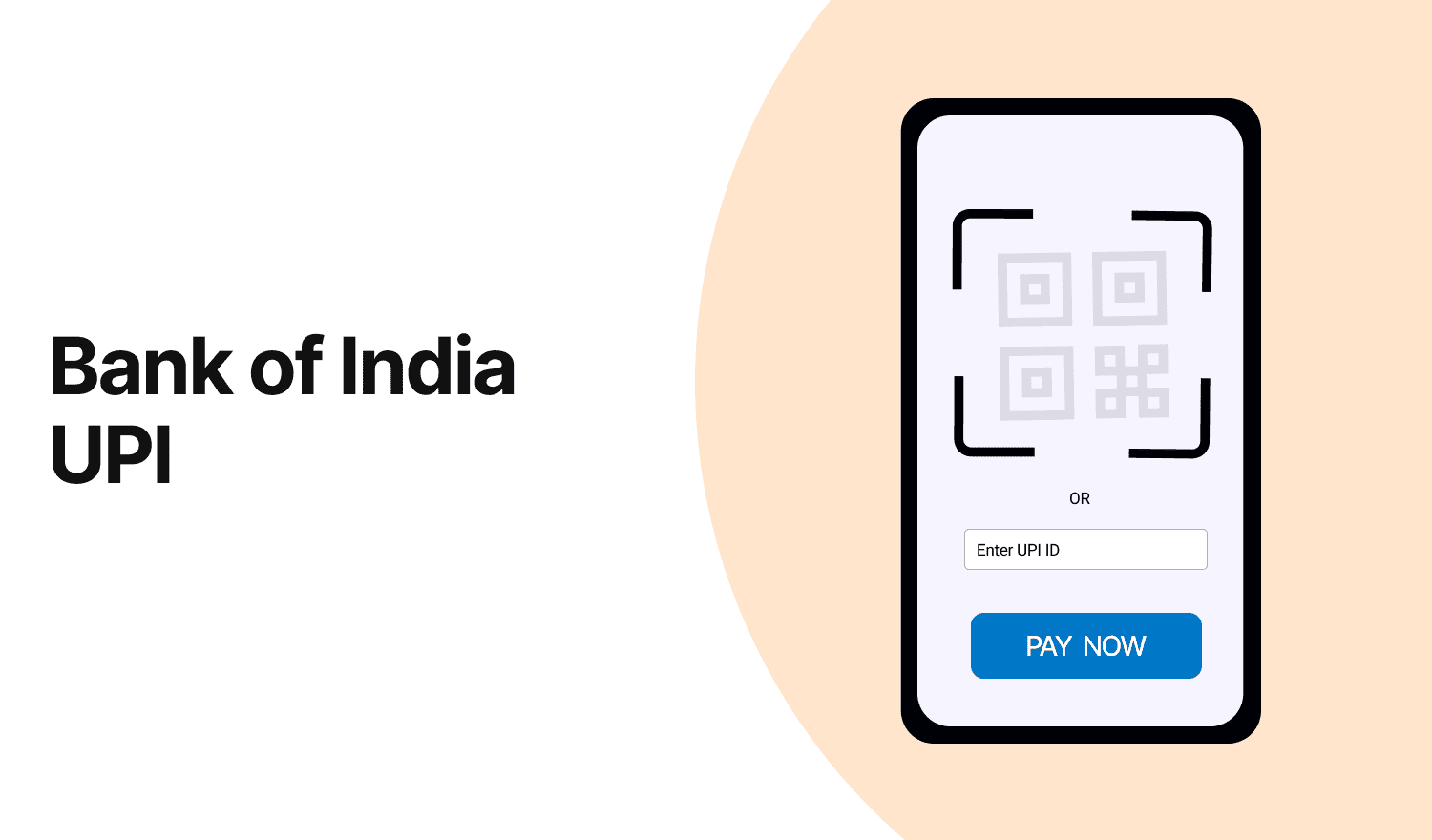
Last Updated : July 15, 2025, 6:23 p.m.
The Bank of India (BOI) offers a Unified Payments Interface (UPI) through its BHIM BOI UPI app, enabling seamless, secure, and instant digital transactions. This article covers the benefits, setup process, transaction limits, and frequently asked questions about the BOI UPI app.
Benefits of Bank of India UPI App
The BHIM BOI UPI app provides a convenient and secure platform for digital payments with the following advantages:
- Instant Transfers : Transfer funds in real-time, 24/7, to any bank account using a UPI ID, mobile number, or bank account details.
- User-Friendly Interface : Simple design for easy navigation, suitable for all users.
- Secure Transactions : Multi-layered security with UPI PIN authentication ensures safe transactions.
- Multiple Account Linking : Link multiple BOI accounts or other bank accounts to a single UPI ID.
- Versatile Payments : Pay for utilities, merchants, online shopping, and more with QR code scanning or UPI ID.
- No Additional Charges : Most UPI transactions are free, making it cost-effective
How to Set-up Bank of India UPI App?
Follow these steps to set up the BHIM BOI UPI app:
- Download the App : Install the BHIM BOI UPI app from the Google Play Store or Apple App Store.
- Register : Open the app, select your preferred language, and register using your mobile number linked to your BOI account.
- Verify Mobile Number : Enter the OTP sent to your registered mobile number.
- Link Bank Account : Select Bank of India from the list, and the app will fetch your account details automatically.
- Create UPI ID : Set a unique UPI ID (e.g., yourname@boi) and create a 4-6 digit UPI PIN by authenticating with your debit card or other verification methods.
- Complete Setup : Once the UPI PIN is set, the app is ready for transactions.
Bank of India UPI App Transaction Limit
The transaction limits for the BHIM BOI UPI app are governed by NPCI (National Payments Corporation of India) guidelines:
- Daily Limit : Up to ₹1,00,000 per day for most transactions.
- Per Transaction Limit : Typically ₹1,00,000, though some transactions (e.g., specific merchant payments) may have lower limits.
- Transaction Frequency : Up to 20 transactions per day, subject to NPCI regulations.
- First-Time Users : New users may face a lower limit (e.g., ₹5,000) for the first 24 hours after setup.
How to Transfer Money by Using BOI App?
To transfer money using the BHIM BOI UPI app:
- Open the App : Log in using your UPI PIN or biometric authentication.
- Select ‘Pay’ : Choose the ‘Pay’ option from the home screen.
- Enter Recipient Details : Input the recipient’s UPI ID, mobile number, or scan a QR code. Alternatively, select a saved contact or bank account.
- Enter Amount : Specify the amount and add an optional remark (e.g., “For lunch”).
- Authenticate : Enter your UPI PIN to authorize the transaction.
- Confirmation : Receive instant confirmation of the successful transfer via the app and SMS.
How to Collect Money Requests via BOI App?
To request money using the BHIM BOI UPI app:
- Open the App : Log in to the BHIM BOI UPI app.
- Select ‘Collect’ : Choose the ‘Request’ or ‘Collect’ option.
- Enter Payer Details : Input the payer’s UPI ID or mobile number.
- Specify Amount : Enter the amount and add a remark (e.g., “Pending dues”).
- Send Request : Submit the request, which will notify the payer.
- Receive Funds : Once the payer approves and authenticates the request, funds are credited instantly to your linked account.
How to Increase Bank of India Transaction Limit?
To increase the transaction limit on the BHIM BOI UPI app:
- Contact BOI Branch : Visit your nearest BOI branch to request a limit increase.
- Customer Care : Call BOI customer care (details below) to inquire about limit enhancement.
- Net Banking : Log in to BOI net banking, navigate to the UPI section, and check for options to modify limits (subject to availability).
- App Settings : Some limits can be adjusted within the app under ‘Profile’ or ‘Settings,’ but higher limits may require bank approval.
- KYC Compliance : Ensure your KYC is updated, as higher limits may require full KYC verification.
What Types of Transactions Supported by Bank of India?
The BHIM BOI UPI app supports a wide range of transactions, including:
- P2P (Person-to-Person) Transfers : Send money to friends, family, or contacts using UPI ID or mobile number.
- P2M (Person-to-Merchant) Payments : Pay at shops, online stores, or scan QR codes for merchant payments.
- Bill Payments : Pay utility bills (electricity, water, gas), mobile recharges, and DTH services.
- Online Shopping : Make payments on e-commerce platforms supporting UPI.
- Fund Collection : Request money from others for shared expenses or dues.
- Bank Account Transfers : Transfer funds to any bank account using IFSC and account number.
Bank of India UPI Customer Care Number
For assistance with the BHIM BOI UPI app, contact BOI customer care:
- Toll-Free Numbers : 1800 103 1906 or 1800 220 229
- Phone : +91-22-4091 9191 (chargeable, for general banking queries)
- Email : Contact BOI via their official website or net banking portal for UPI-related issues.
- Branch Support : Visit your nearest BOI branch for in-person assistance.
Frequently Asked Questions (FAQs)
