
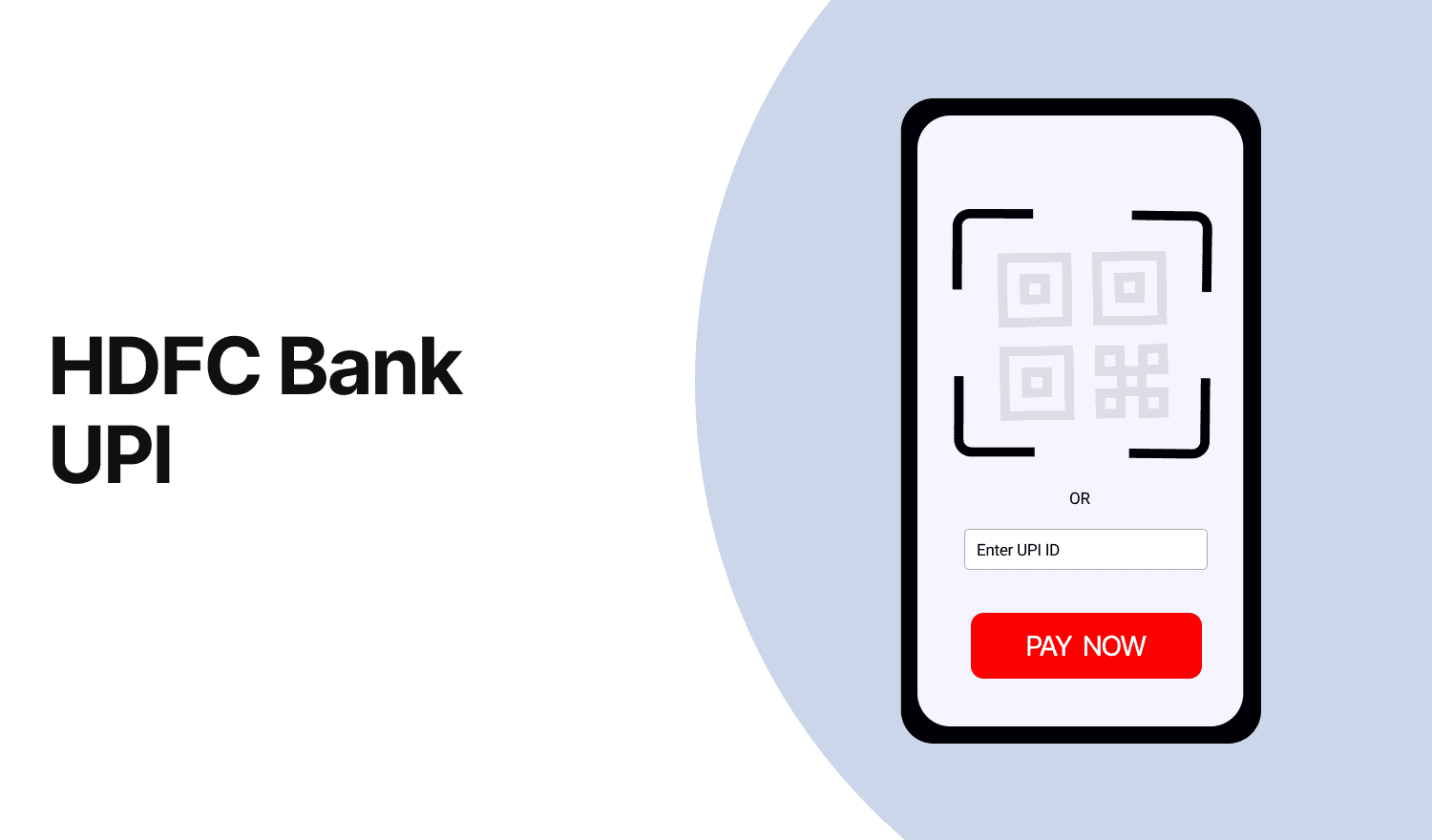
HDFC Bank UPI
Last Updated : July 14, 2025, 3:02 p.m.
Unified Payments Interface (UPI) has revolutionized digital payments in India, offering a seamless, secure, and instant way to transfer money using a smartphone. HDFC Bank, one of India's leading private banks, has integrated UPI into its mobile banking app and PayZapp, enabling customers to send and receive money effortlessly. This article provides a detailed guide on using HDFC Bank's UPI service, covering its benefits, features, registration process, transaction methods, limits, and customer support options.
Benefits & Features of HDFC UPI App
HDFC Bank's UPI service, integrated into its MobileBanking App and PayZapp, offers a range of benefits and features designed to make digital payments convenient and secure:
- Instant Transfers : UPI enables real-time money transfers 24/7, 365 days a year, including holidays, ensuring funds are credited to the recipient's account instantly.
- No Beneficiary Details Required : Transactions can be completed using just a UPI ID (Virtual Payment Address or VPA), eliminating the need for bank account numbers or IFSC codes.
- Multiple Account Linking : You can link multiple HDFC Bank accounts to a single UPI ID for flexible fund management.
- Versatile Payment Options : Use UPI for peer-to-peer (P2P) transfers, merchant payments (P2M), bill payments, mobile recharges, and QR code-based transactions.
- Secure Transactions : Transactions are authenticated with a UPI PIN, adding an extra layer of security.
- No Transaction Charges : HDFC Bank does not charge customers for UPI transactions, making it cost-effective for everyday use.
- Scan and Pay : Pay merchants instantly by scanning QR codes, simplifying in-store and online payments.
- NRI Support : Non-Resident Indians (NRIs) can use UPI with their international mobile numbers linked to NRE/NRO accounts, enhancing convenience for global users.
- RuPay Credit Card Integration : Link HDFC RuPay Credit Cards to UPI apps for merchant payments, subject to specific limits.
These features make HDFC Bank's UPI service a user-friendly and versatile tool for managing digital payments.
How to Register HDFC Bank UPI App?
Setting up UPI with HDFC Bank is straightforward. Follow these steps to register using the HDFC MobileBanking App or PayZapp:
- Download the App : Install the HDFC MobileBanking App or PayZapp from the Google Play Store (Android) or App Store (iOS).
- Log In or Sign Up : Log in using your customer ID and password, or quick access PIN for the MobileBanking App. For PayZapp, verify your SIM card and device.
- Access UPI Section : In the MobileBanking App, select "BHIM UPI Payment" from the home screen. In PayZapp, choose the UPI registration option.
- Create a UPI ID : Choose a unique UPI ID (e.g., yourmobilenumber@hdfcbank) linked to your registered mobile number. The UPI handle for HDFC Bank is @hdfcbank.
- Link Bank Account : Select the HDFC Bank account (or NRE/NRO account for NRIs) you want to link to the UPI ID.
- Set UPI PIN : Enter your debit card details (last 6 digits and expiry date) or use other authentication methods to create a 4- or 6-digit UPI PIN for transaction authorization.
- Verify and Complete : An OTP will be sent to your registered mobile number for device binding and verification. Once authenticated, your UPI ID is ready for transactions.
How to Transfer Money Using HDFC UPI App to Another?
Transferring money via HDFC Bank's UPI is quick and hassle-free. Here's how to do it:
- Open the App : Launch the HDFC MobileBanking App or PayZapp and log in with your credentials.
- Select UPI Payment : Navigate to "BHIM UPI Payment" or "Send Money" in the app.
- Enter Payee Details : Provide the recipient’s UPI ID, mobile number, or bank account number with IFSC code. Alternatively, select a contact from your phone or scan a QR code.
- Enter Amount and Remarks : Specify the amount to transfer and add optional remarks for reference.
- Authenticate Transaction : Enter your 4- or 6-digit UPI PIN to authorize the payment.
- Confirm and Send : Review the recipient’s name (displayed after entering the UPI ID) to ensure accuracy, then initiate the transfer. You’ll receive a confirmation via SMS or app notification once the transaction is complete.
Funds are typically transferred instantly, making it ideal for urgent payments.
How to Receive the Amount by Using HDFC UPI App?
To receive money via HDFC Bank’s UPI:
- Share Your UPI ID : Provide your UPI ID (e.g., yourmobilenumber@hdfcbank) to the sender. Alternatively, share a QR code generated in the app.
- Request Money : In the MobileBanking App or PayZapp, go to the "Request Money" option, enter the payer’s UPI ID, amount, and optional remarks, and send the request.
- Receive Funds : Once the payer approves the request and enters their UPI PIN, the funds are credited to your linked bank account instantly. You’ll receive a notification confirming the transaction.
- Check Transaction History : View received payments under the "Transaction History" tab in the UPI Payments section of the app or in your bank statement.
HDFC UPI Transaction Limit - Per Month / Per Year?
HDFC Bank adheres to the National Payments Corporation of India (NPCI) guidelines for UPI transaction limits, with specific caps for different scenarios:
- Daily Limit : ₹1,00,000 or 20 transactions within 24 hours for both P2P and P2M transactions, whichever comes first.
- New Users : ₹5,000 for the first 24 hours after registration (72 hours for iPhone users).
- Merchant Transactions : Up to ₹2,00,000 per transaction for categories like capital markets, insurance, mutual funds, credit card payments, and loan repayments.
- IPO and Retail Direct Schemes : Up to ₹5,00,000 per transaction.
- Current Accounts : Limits may vary based on account type, with some premium accounts potentially offering higher limits (typically ₹25,000 to ₹1,00,000 daily).
- NRE/NRO Accounts : ₹1,00,000 or 20 transactions daily via international mobile numbers.
- RuPay Credit Card on UPI : ₹1,00,000 daily (₹5,000 for the first 24 hours after linking), subject to the credit card’s available limit. Certain merchant categories (e.g., insurance) allow up to ₹2,00,000.
- Monthly/Yearly Limits : HDFC Bank does not impose specific monthly or yearly limits; the daily limit applies cumulatively.
How to Increase HDFC UPI App Limit?
HDFC Bank does not allow customers to manually increase the standard UPI transaction limit of ₹1,00,000 or 20 transactions daily, as these are regulated by NPCI. However, certain options may help in specific cases:
- Premium or Current Accounts : Customers with premium savings accounts, salary accounts, or current accounts may be eligible for higher limits based on account type and transaction history. Contact HDFC Bank to check eligibility.
- Special Categories : For specific transactions like educational fees, medical bills, IPO applications, or capital market investments, limits are higher (up to ₹5,00,000). Ensure the transaction falls under these categories.
- Check Current Limit : Use the MobileBanking App (UPI section), NetBanking, or call customer care to verify your current limit before requesting an increase.
- Contact Customer Care or Visit Branch : Reach out to HDFC Bank’s customer care at 1800-202-6161 or visit a branch to inquire about limit enhancements based on your account profile. The bank may review your request, but approval is not guaranteed.
- Alternative Methods : For transfers exceeding ₹1,00,000, use NEFT, RTGS, or IMPS, which have higher limits (e.g., up to ₹50,00,000 for third-party transfers via NetBanking).
If you’ve applied for a limit increase and wish to cancel, contact customer care or visit a branch. Approval notifications are sent via SMS, email, or the MobileBanking App.
HDFC Bank UPI Customer Care Number
For any issues or queries related to HDFC Bank’s UPI service, contact the dedicated customer care team:
- Resident Customers : 1800-202-6161 or 1860-267-6161 (toll-free within India).
- NRI Customers : +91-22-61606160 (from abroad).
- PayZapp-Specific Issues : 1800-1600 or 1800-2600, or raise a ticket via the app’s Help Centre (Profile > Help Centre > Select Transaction > Tap ‘?’).
- General UPI Queries : Reach out to DigiSaathi’s 24/7 helpline at 14431 or 1800-891-3333 for NPCI-related assistance.
For unauthorized transactions, report immediately with details like mobile number, customer ID, account number, and transaction date/time. If a transaction fails but your account is debited, wait 24-48 hours for an auto-reversal. If unresolved, contact customer care.
Frequently Asked Questions (FAQs)
