
Bank of Baroda WhatsApp Banking
Last Updated : May 19, 2025, 3:08 p.m.
Bank of Baroda WhatsApp Banking is transforming how customers manage their finances. This innovative service, offered by one of India’s leading public sector banks, allows users to perform key banking tasks directly through WhatsApp Banking. From checking balance enquiry to requesting a chequebook request, BOB WhatsApp Banking brings convenience to your fingertips. Available 24/7, Bank of Baroda WhatsApp Banking is perfect for busy individuals, students, and NRI customers. With Wishfin’s guide, learn how to leverage this service for hassle-free secure banking.
How to Register for BOB WhatsApp Banking?

Getting started with Bank of Baroda WhatsApp Banking is quick and straightforward. Follow these steps to register:
- Save the Official Number : Add Bank of Baroda’s verified WhatsApp number, +91 8433888777, to your contacts. Look for the blue tick to confirm it’s the official account.
- Start the Chat : Open WhatsApp and send “Hi” to the saved number using your registered mobile number.
- Choose Your Language : Select English or Hindi for a personalized experience.
- Verify with OTP : Accept the terms, enter the 6-digit OTP sent to your phone, and complete verification.
- Access Services : A menu will appear, letting you explore options like balance enquiry or mini statement.
With these simple steps, you can activate BOB WhatsApp Banking in minutes, as guided by Wishfin.
Key Features of Bank of Baroda WhatsApp Banking
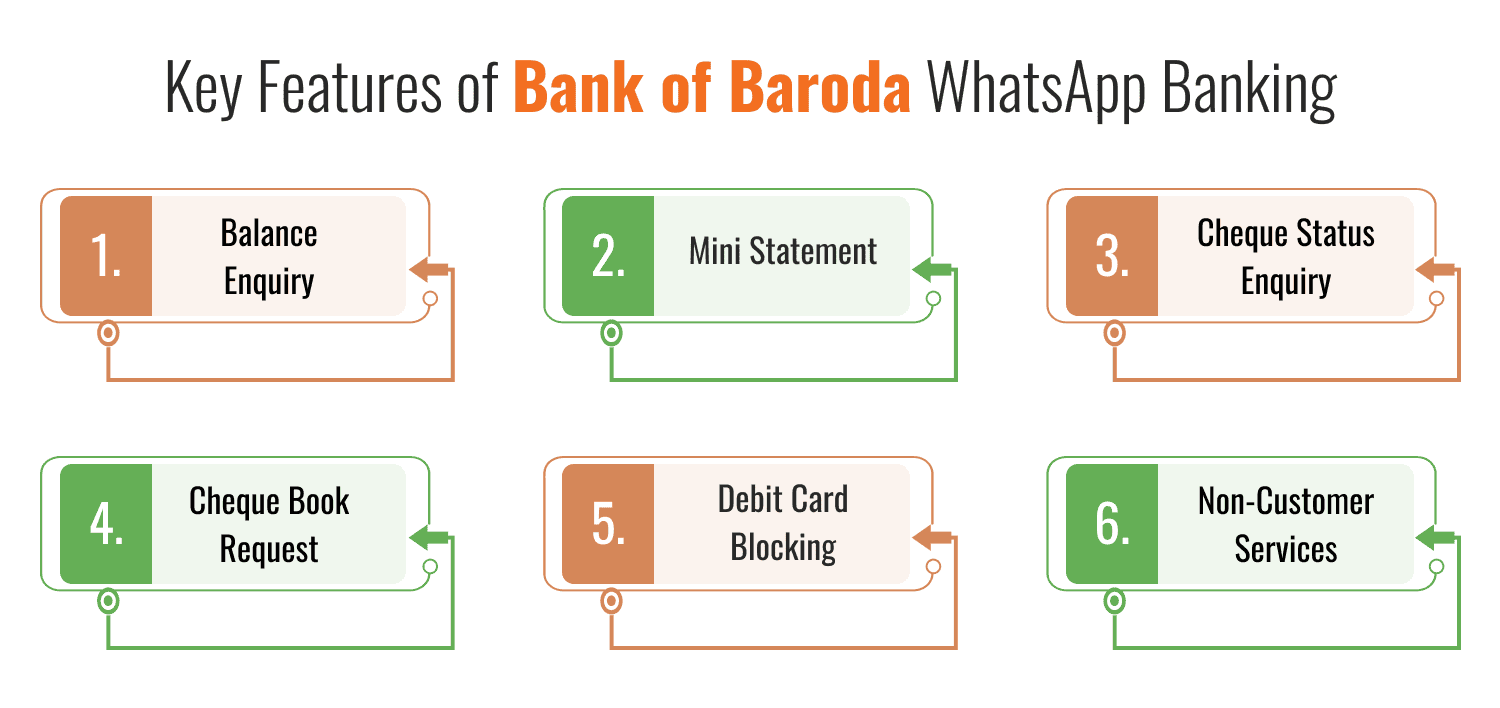
BOB WhatsApp Banking offers a range of services to simplify your financial tasks. Here’s what you can do:
- Balance Enquiry : Instantly check your account balance with a single tap.
- Mini Statement : View your last five transactions on the go.
- Cheque Status Enquiry : Track the status of issued cheques effortlessly.
- Cheque Book Request : Order a new chequebook without visiting a branch.
- Debit Card Blocking : Secure your account by blocking a lost debit card instantly.
- Non-Customer Services : Non-customers can explore Bank of Baroda’s products, find ATMs, or inquire about loans.
These features make Bank of Baroda WhatsApp Banking a versatile and user-friendly platform, accessible in both English and Hindi.
Why Choose BOB WhatsApp Banking? Benefits Explained?
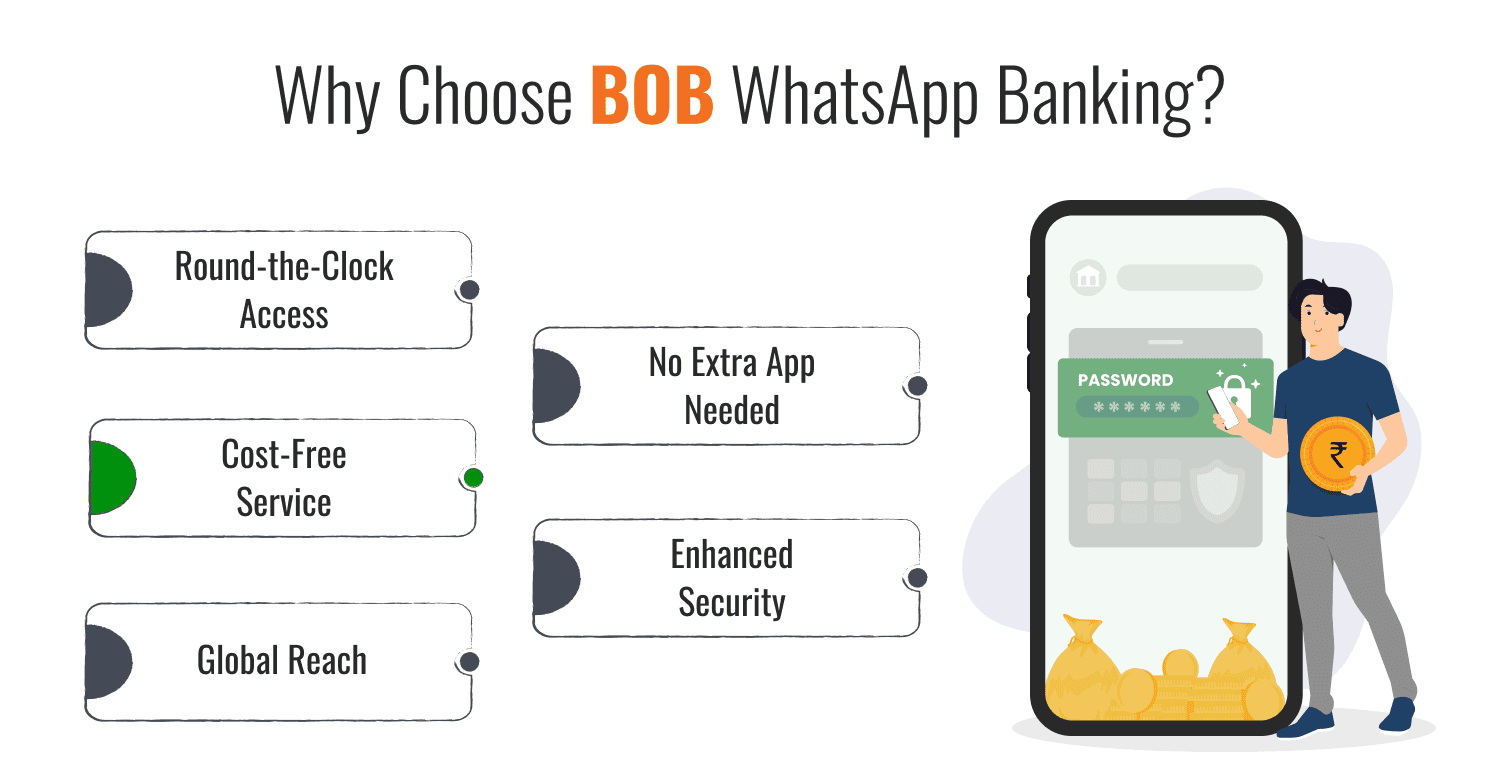
Bank of Baroda WhatsApp Banking stands out for its convenience and accessibility. Here are the top benefits:
- Round-the-Clock Access : Manage your finances anytime, anywhere, with 24/7 availability.
- No Extra App Needed : Use WhatsApp Banking, an app you already have, for seamless banking.
- Cost-Free Service : Enjoy BOB WhatsApp Banking without any additional charges.
- Enhanced Security : Two-factor authentication and biometric verification keep your data safe with secure banking.
- Global Reach : NRI customers can register using international numbers from select countries.
Wishfin recommends Bank of Baroda WhatsApp Banking for its blend of simplicity and secure banking, catering to diverse banking needs.
Security Tips for Safe WhatsApp Banking
Bank of Baroda WhatsApp Banking is designed with robust secure banking, but users should stay vigilant. Follow these Wishfin-recommended tips:
- Confirm the Number : Always use the verified number (+91 8433888777) with the blue tick.
- Secure Your Device : Lock your phone to prevent unauthorized access.
- Act on Lost Devices : Contact the Bank of Baroda immediately to deactivate WhatsApp Banking if your phone is lost.
- Protect OTPs : Never share your OTP or personal details with anyone.
These precautions ensure you enjoy Bank of Baroda WhatsApp Banking with confidence.
How Bank of Baroda WhatsApp Banking Fits into Your Financial Journey?
As a trusted financial platform, Wishfin highlights Bank of Baroda WhatsApp Banking as a tool for modern banking. With over 8,200 branches and a strong digital presence, the Bank of Baroda combines tradition with innovation. Whether you’re managing daily expenses, tracking mini statements, or exploring loan options, BOB WhatsApp Banking offers unmatched flexibility. Wishfin’s insights make it easy to integrate this service into your financial routine, saving time and effort.
Tips to Maximize Your BOB WhatsApp Banking Experience
To get the most out of Bank of Baroda WhatsApp Banking, Wishfin suggests:
- Keep Your Number Updated : Ensure your registered mobile number is current to avoid disruptions.
- Use Shortcut Keywords : Try keywords like “Accst” for mini statements or “Chqbook” for chequebook requests.
- Manage Notifications : Opt out of push notifications if you prefer fewer messages.
- Seek Support : For help, call Bank of Baroda’s toll-free number 1800-5700 or visit a branch.
These tips, curated by Wishfin, enhance your experience with BOB WhatsApp Banking.
Conclusion
Bank of Baroda WhatsApp Banking is a game-changer for anyone seeking convenient, secure banking, and cost-free banking. With features like balance enquiry, mini statement, and debit card blocking, BOB WhatsApp Banking simplifies financial management. Wishfin’s guide makes it easy to register and explore this service, ensuring you stay in control of your finances. Save +91 8433888777, send “Hi,” and start banking smarter today with Bank of Baroda WhatsApp Banking.
Best Offers For You!
Credit Card by Top Banks
Banking
- SBI Mobile Banking
- ICICI Bank Mobile Banking
- HDFC Bank Mobile Banking
- Axis Bank Mobile Banking
- Bandhan Bank Mobile Banking
- Federal Bank Mobile Banking
- IndusInd Bank Mobile Banking
- IDFC First Bank Mobile Banking
- Kotak Mahindra Bank Mobile Banking
- RBL Bank Mobile Banking
- YES Bank Mobile Banking
- IDBI Bank Mobile Banking
- Bank Of Baroda Mobile Banking
- Bank of India Mobile Banking
- Canara Bank Mobile Banking
- PNB Mobile Banking
- Indian Bank Mobile Banking
- Indian Overseas Bank Mobile Banking
- Punjab and Sind Bank Mobile Banking
- Karur Vysya Bank Mobile Banking
